Homepage › Forum › Product Support › Jhana › Redirection error from Blog page
- This topic has 4 replies, 2 voices, and was last updated 2 years, 3 months ago by
 Jackie.
-
AuthorPosts
-
2 years, 3 months ago #31111
Hi there
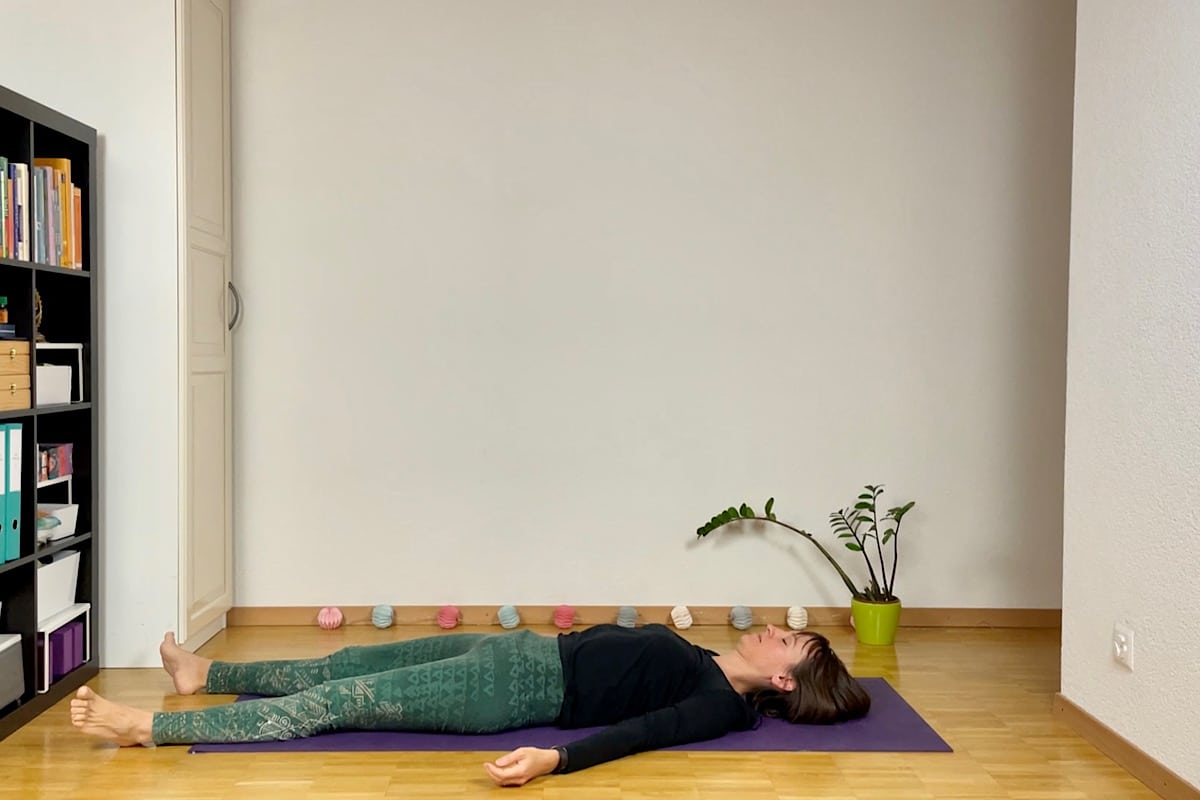
I realized that a link on yogarina.ch/blog is not working properly. It concerns the post "Shavasana: Alles über die Totenstellung im Yoga". Each time I clic on the title I end on the wrong page (which is actually not even a page, but a WP attachment/picture - https://yogarina.ch/wp-content/uploads/2023/12/shavasana.jpg). and not on the correct one yogarina.ch/shavasana.
Since the page yogarina.ch/blog is generated automatically, I don't know how to change this. Can you help me with that, please?
Please note that this issue is current; it used to work correctly.
Thank you so much for your help.
Katharina2 years, 3 months ago #31185Hi.
Sorry for the late response.
Your ticket status is pending, so I can't see the ticket at the front end. I have to go to the back-end to approve the ticket.
I have checked your blog post: https://yogarina.ch/shavasana/
The image works fine. https://prnt.sc/gi4rxq-8Ec4_
Maybe the issue has been solved. If you need help, please let us know again.
Regards.
2 years, 3 months ago #31204Hi Jackie
Thanks, in the meanwhile it's all fine.
However, the pending ticket situation is quite annoying for me. It's not the first time that I'm stuck in a pending ticket situation (or worse, I've also already been blocked!). Please make sure that your clients can submit tickets and please check regularly if there's any tickets pending moderation. Thank you!
Kind regards
Katharina2 years, 3 months ago #31207I tried to reply to my other post, https://yolotheme.com/forums/topic/menu-does-not-fold-back-in-on-blog-pages-2-etc/
but since it didn't work, here's my reply. Again, it's very annoying for clients not to be able to submit tickets. Please make sure your system works correctly!
+++
Hi Jackie
No, I disagree. It does not work fine.
Please do the following:
- Go to yogarina.ch/blog
- scroll down to the latest articles; you'll see numbers (1, 2, ...7 >)
- Click on 2
- This page will open https://yogarina.ch/blog/page/2/
- You'll see that the menu is all folded out, not folded in like it is on yogarina.ch/blog (and any other page by the way)
- Scroll down that page and you'll realize that the unfolded menu covers everything.
I check on a MacBook Air, with Safari and Google Chrome and I had the issue with both browsers. Please check again and fix. Thanks so much.
Kind regards
Katharina2 years, 3 months ago #31225Hi.
Yes, I have found that issue with your blog/page/2.
Please provide us with your site admin account. We need access to your site back-end to check that issue.
Regards.
-
AuthorPosts


You must be logged in and have valid license to reply to this topic.